Beta · Sepolia Testnet
Alchemy Vault
Is Now in Beta
Be among the first to try the self-custodial wallet built around $GOLD. Install the beta on your phone, create your wallet, and we’ll send you test ETH, USDC and GOLD to explore with.
Get Started
Install the beta
Scan a code with your phone’s camera, or open this page on your phone and tap the button.Tap the button for your phone to install the beta.
iPhone
The beta installs through TestFlight, Apple’s free app for beta software. The link will prompt you to get it if you don’t have it yet.
DOWNLOAD FOR iOSScan with your phone
Android
The beta downloads as an app file (APK, about 170 MB). Open it when the download finishes. If Android asks, allow your browser to install apps.
DOWNLOAD FOR ANDROIDScan with your phone
Create your wallet
Open Alchemy Vault and tap “Get Started”. Sign in with your email, Google, or Apple account, then follow the prompts to set up your passkey.
Copy your wallet address
On the Wallet tab, tap “Receive”, then “Copy Address”. A “Copied!” message confirms it is on your clipboard.
Step 4
Get Your Test Funds
Paste your Vault wallet address and we’ll send you 0.02 Sepolia ETH for network fees, plus 100 USDC and 0.025 GOLD to try out.
Open this page on your phone to paste straight from the app. One request per wallet every 24 hours.
Inside the Beta
Self Custody
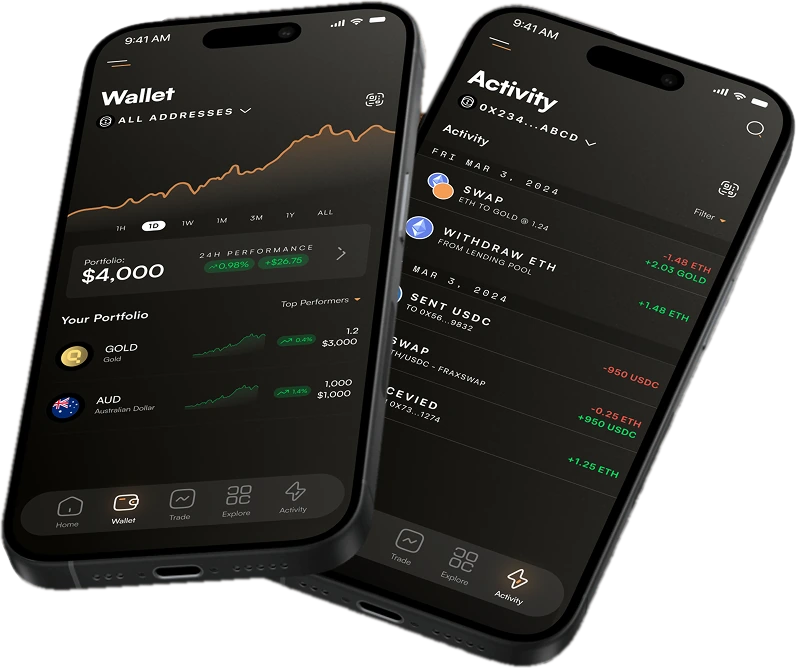
Create a self-custodial wallet in seconds with your email, Google, or Apple account, secured by a passkey.
Send & Receive
Move test ETH, $GOLD, and other tokens between wallets on Sepolia.
Trade
Swap between test $GOLD, USDC, and $ALCHEMY directly in the app.
Earn
Stake test $ALCHEMY and follow your rewards from the Earn tab.
Testnet only
Tokens in the beta, including the ETH sent from this page, are test assets with no monetary value. This is pre-release software, so expect rough edges. Questions or feedback? [email protected]